marcjamesfoster.com


Orgatect

Orgatect

A workforce modelling platform

The Project

Fragmented HR and financial data make it difficult to visualise structural changes and execute M&A decisions. This platform unifies that data to streamline complex corporate restructuring.

After single-handedly designing the product’s foundations, I was promoted to Lead UI/UX Designer to manage a team of three and scale the product.

The Design Process

Define

Partnered daily with US leadership to define client requirements, translating objectives into actionable tasks for the Shanghai design team.

Design

Delivered end-to-end design artifacts—from low-fi wireframes to interactive prototypes—iterated against continuous client and leadership feedback.

Deliver

Upon final approval, delivered comprehensive end-to-end screen states and partnered closely with developers to ensure seamless design implementation.

Plan Designer

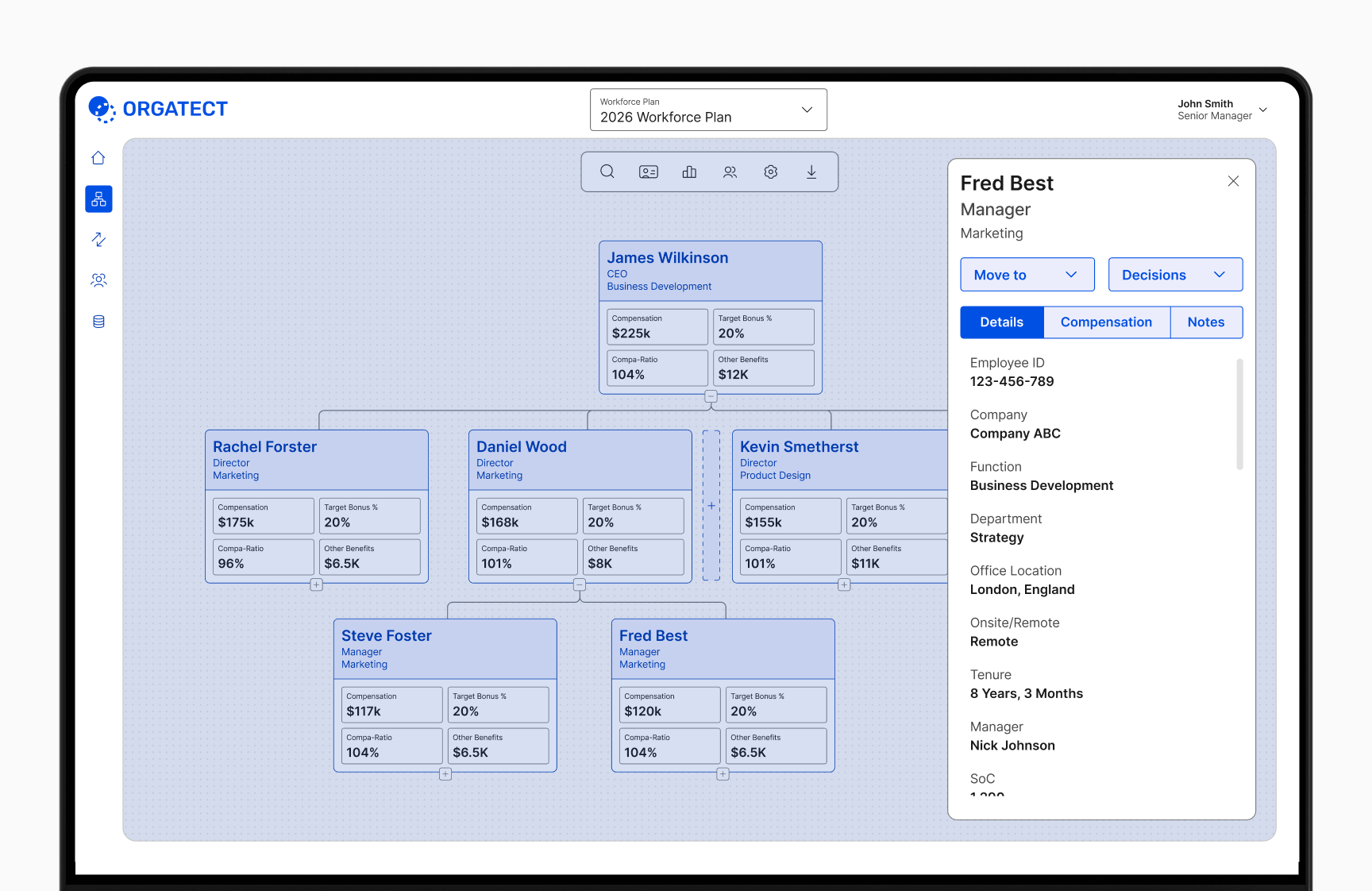
As the flagship module of the platform, the Plan Designer is where users spend most of their time modelling and optimising organisational strategies. Its flexible tree view allows teams to easily create, compare, and refine unlimited workforce plans to make informed decisions.
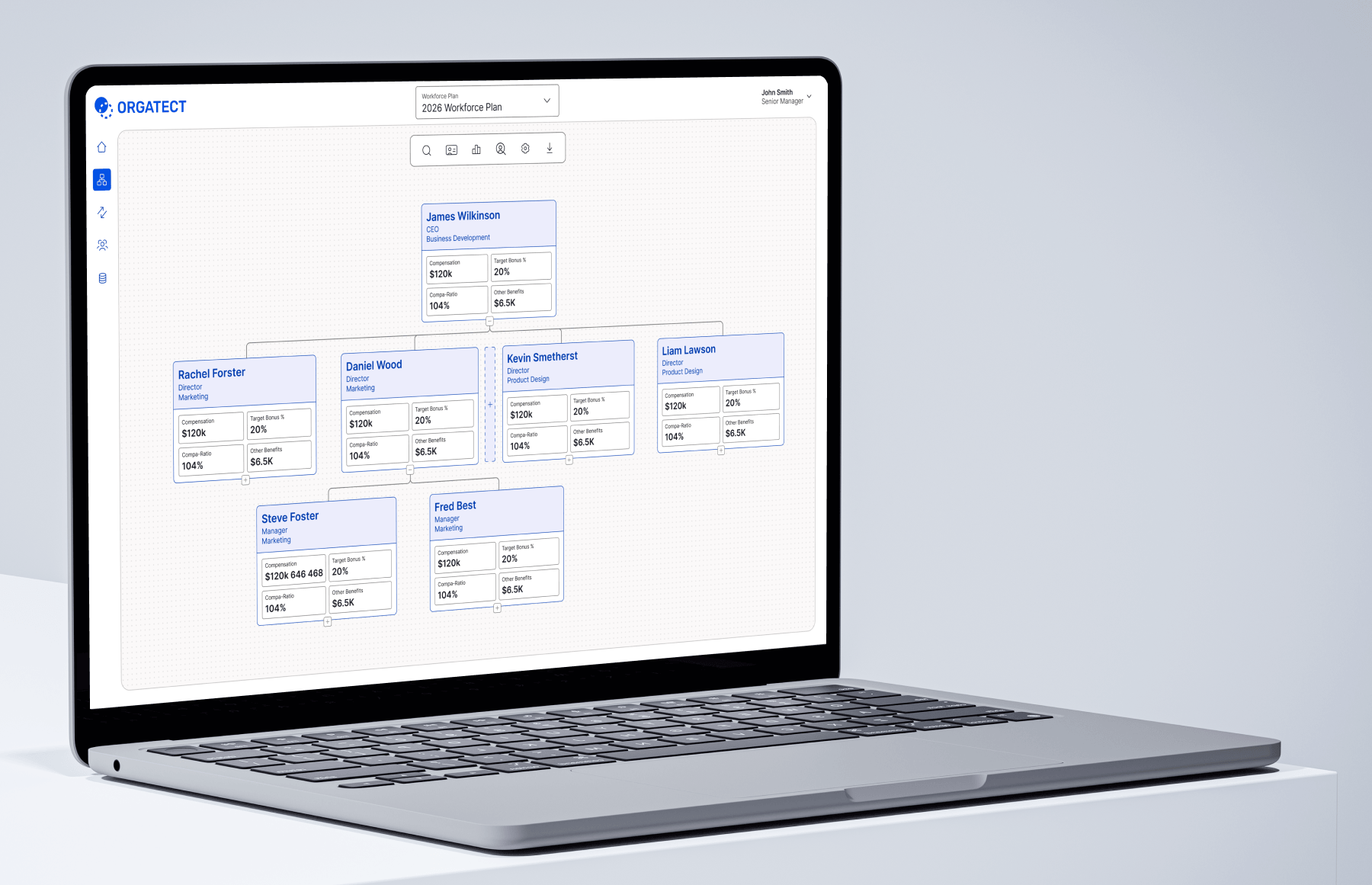
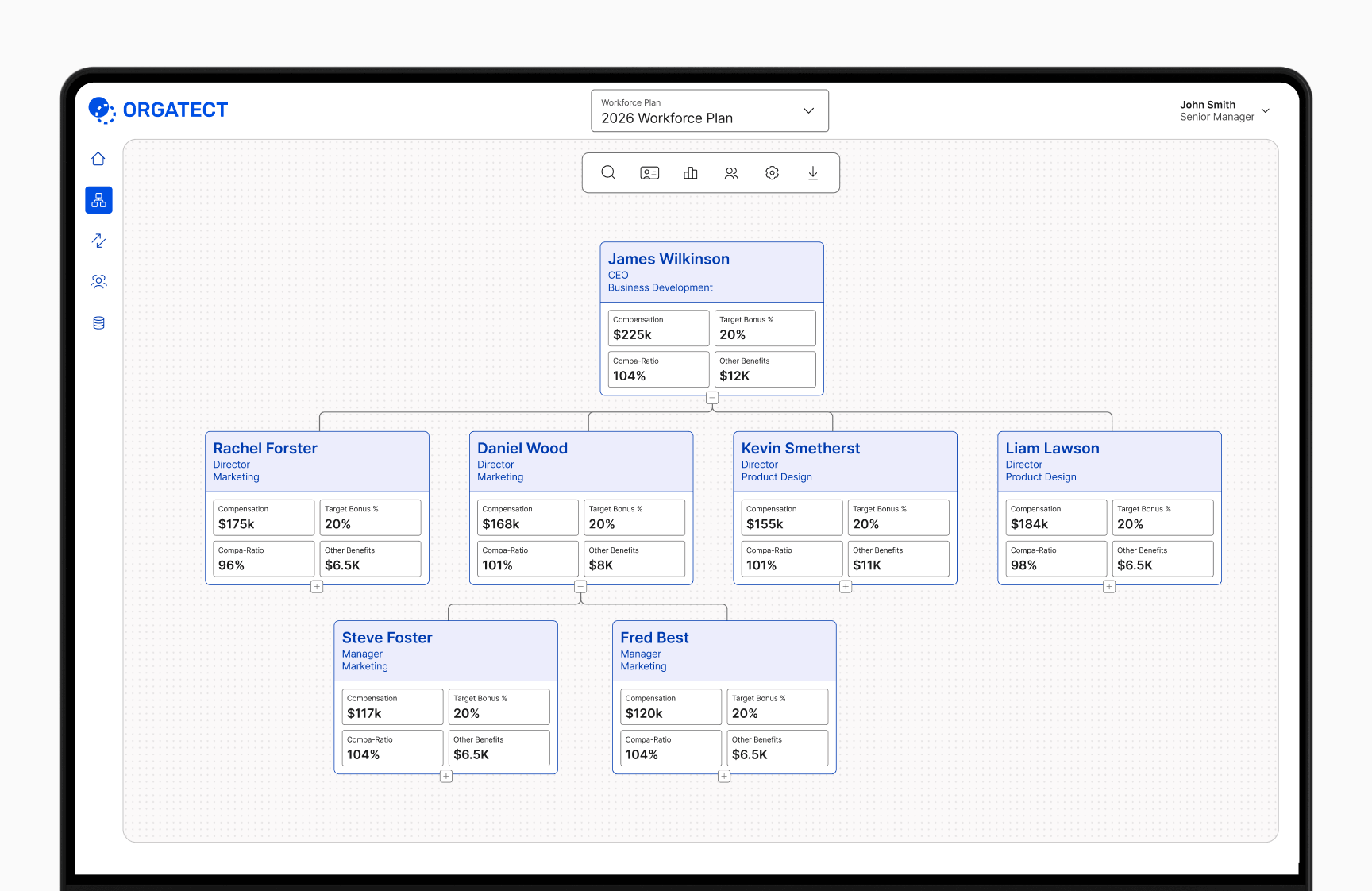
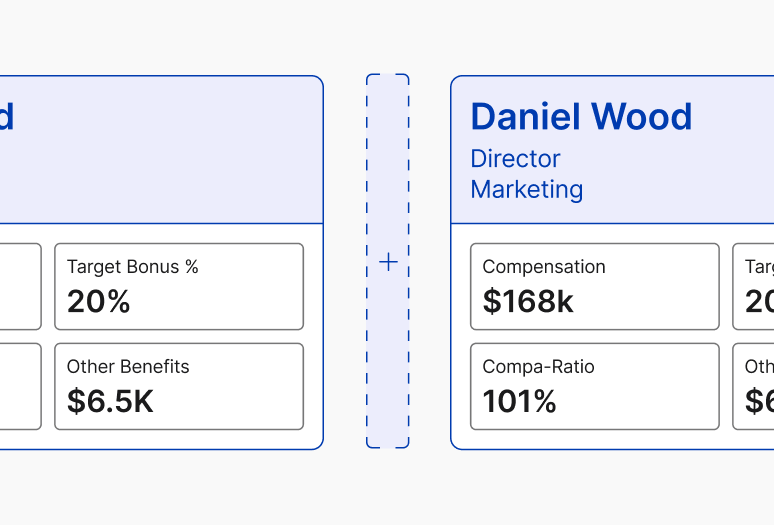
Easily add positions anywhere in the tree by hovering between cards and clicking the add button.

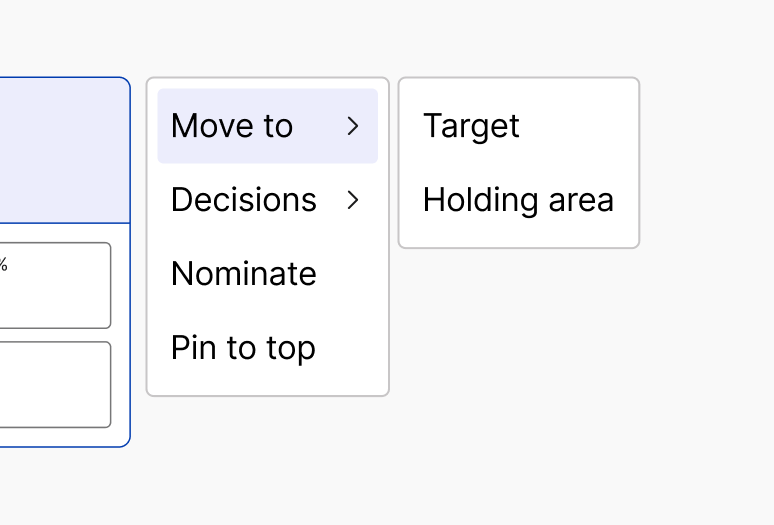
Leveraging right-clicking, all user actions are available at any point in the users workflow.

Card Detail

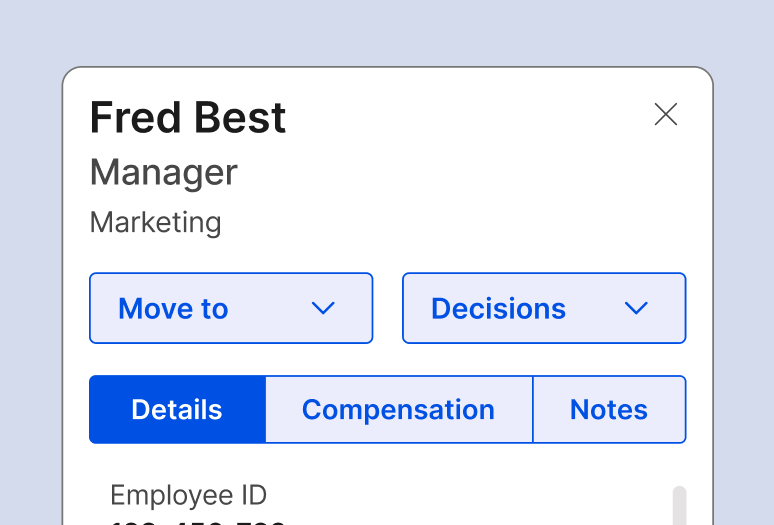
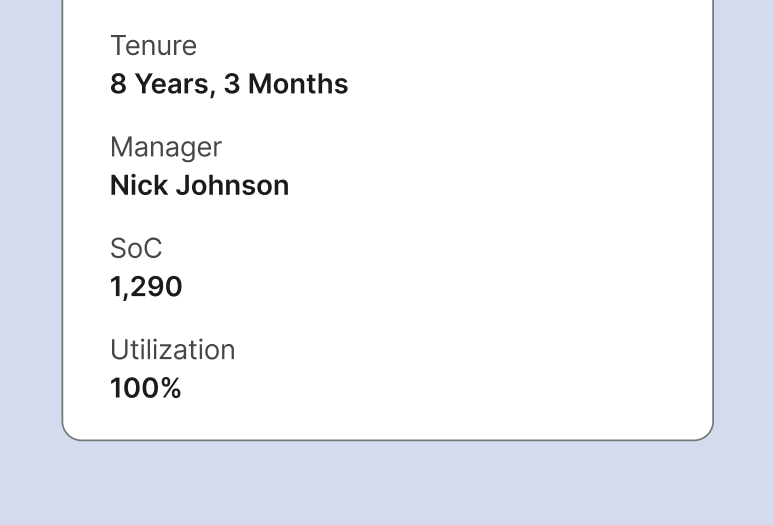
An informative detail panel slides into view when a card is clicked. The card contains everything you need to know about the position or employee.

The card detail panel provides full employee profile details, compensation data, and notes.

Essential details are grouped together to help users make important decisions.

Card Configuration

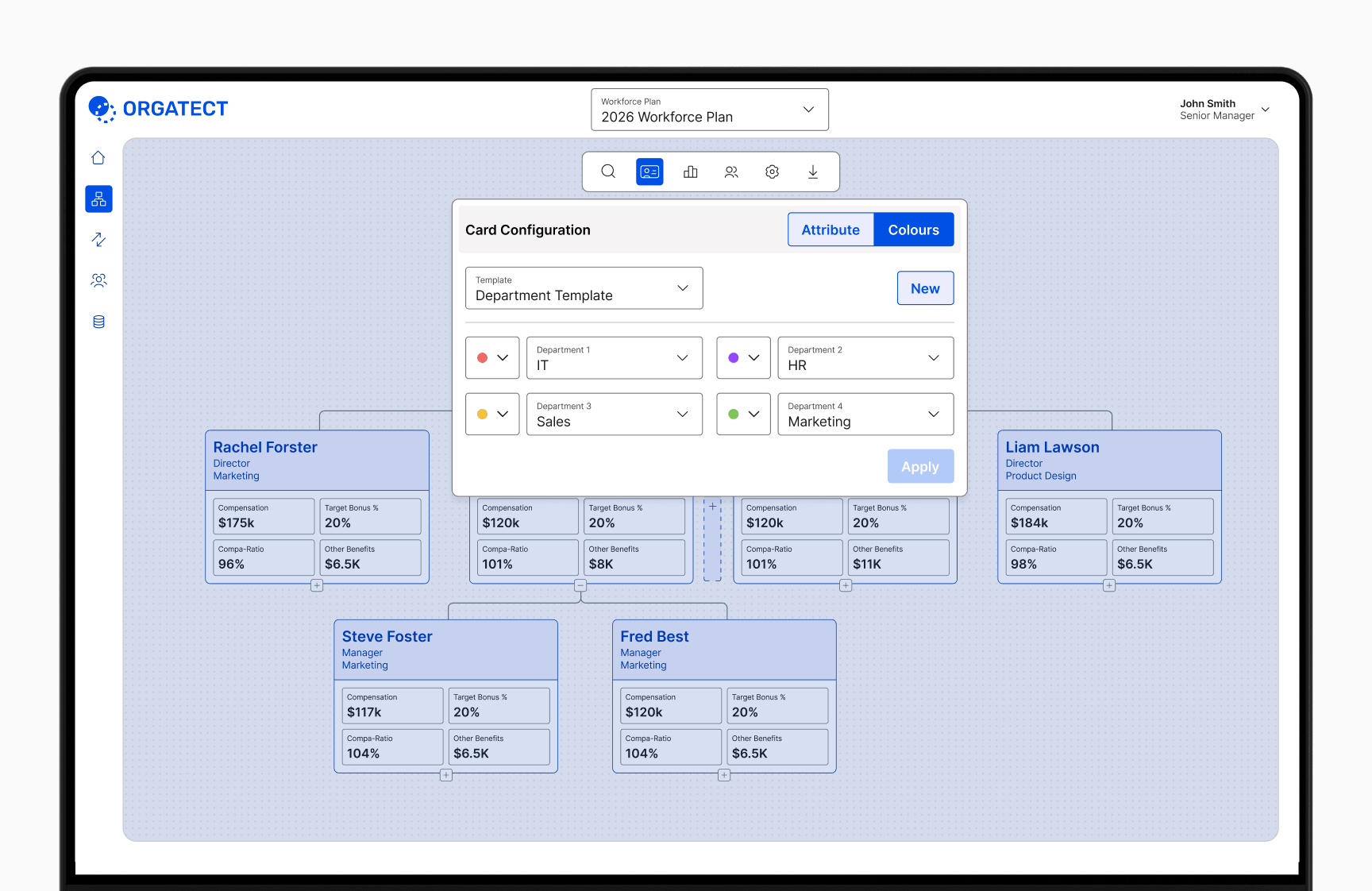
Customise card layouts and build reusable templates to highlight key KPIs, departments, or company divisions.

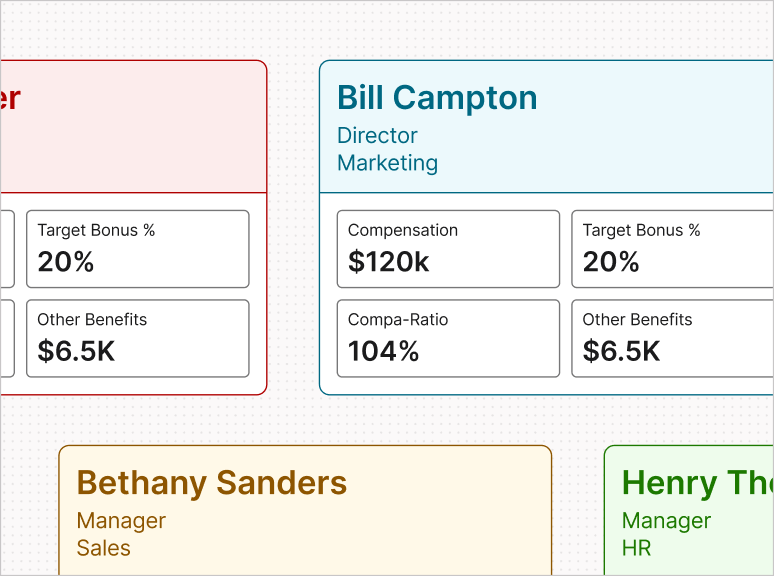
Users can customise card colours based on key attributes like department, title, and compensation.

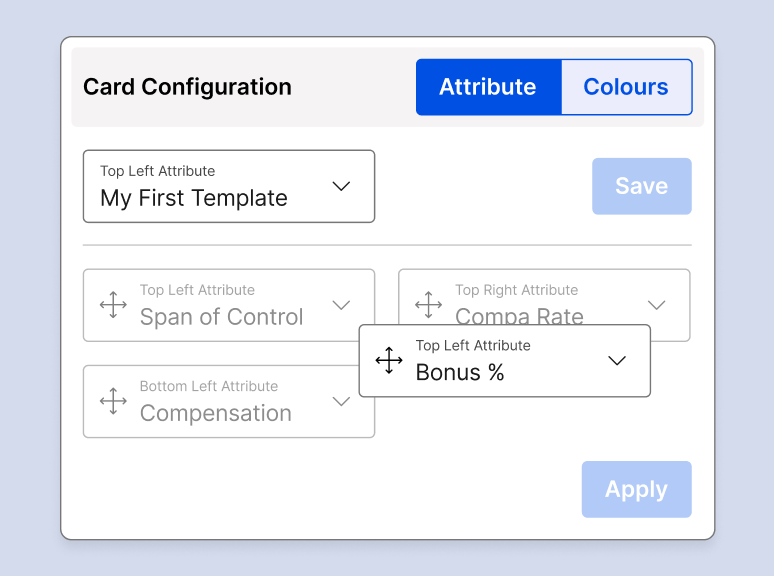
Easily reorder card attributes to display any combination of data you need.

Talent Selection

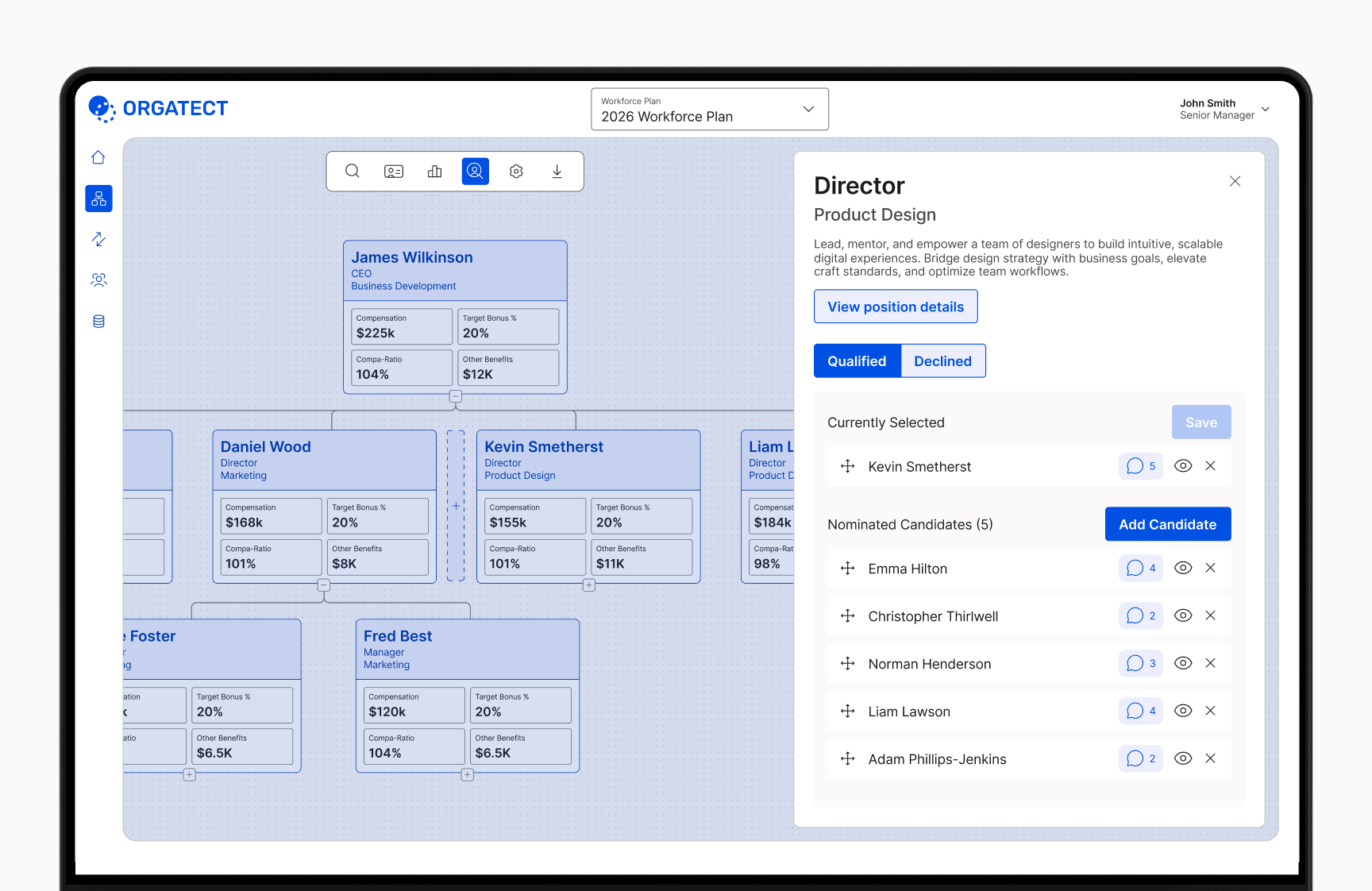
Enabling Talent Selection mode opens a modal on card click, allowing you to nominate candidates, add notes, and select position holders.

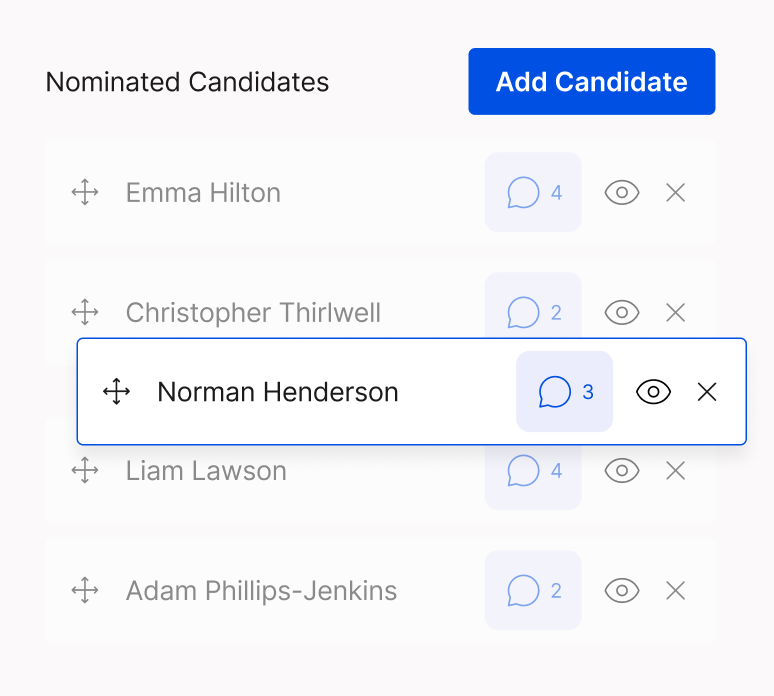
Easily reorder candidate nominations or assign them to open positions using simple drag-and-drop.

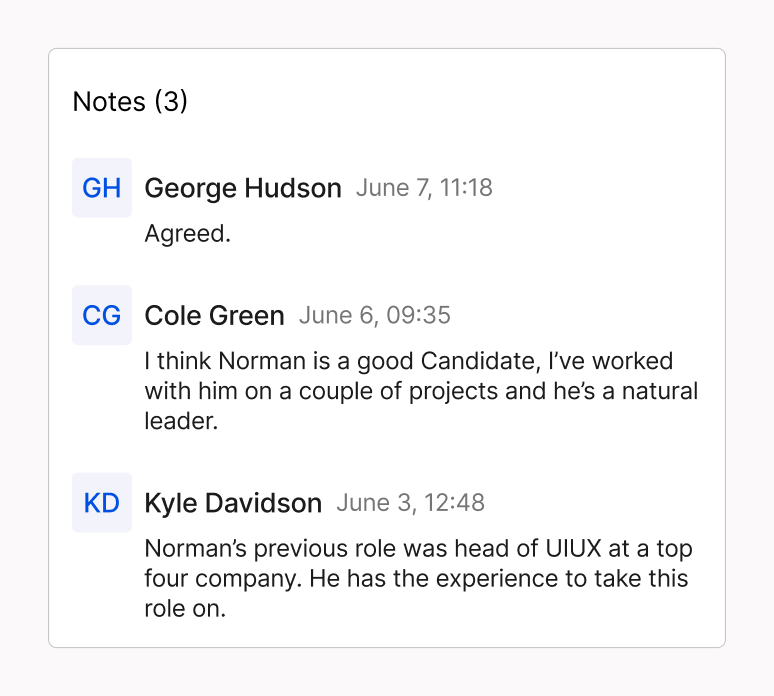
Key discussions and feedback are logged in the candidate’s notes section.

Roles & Permissions

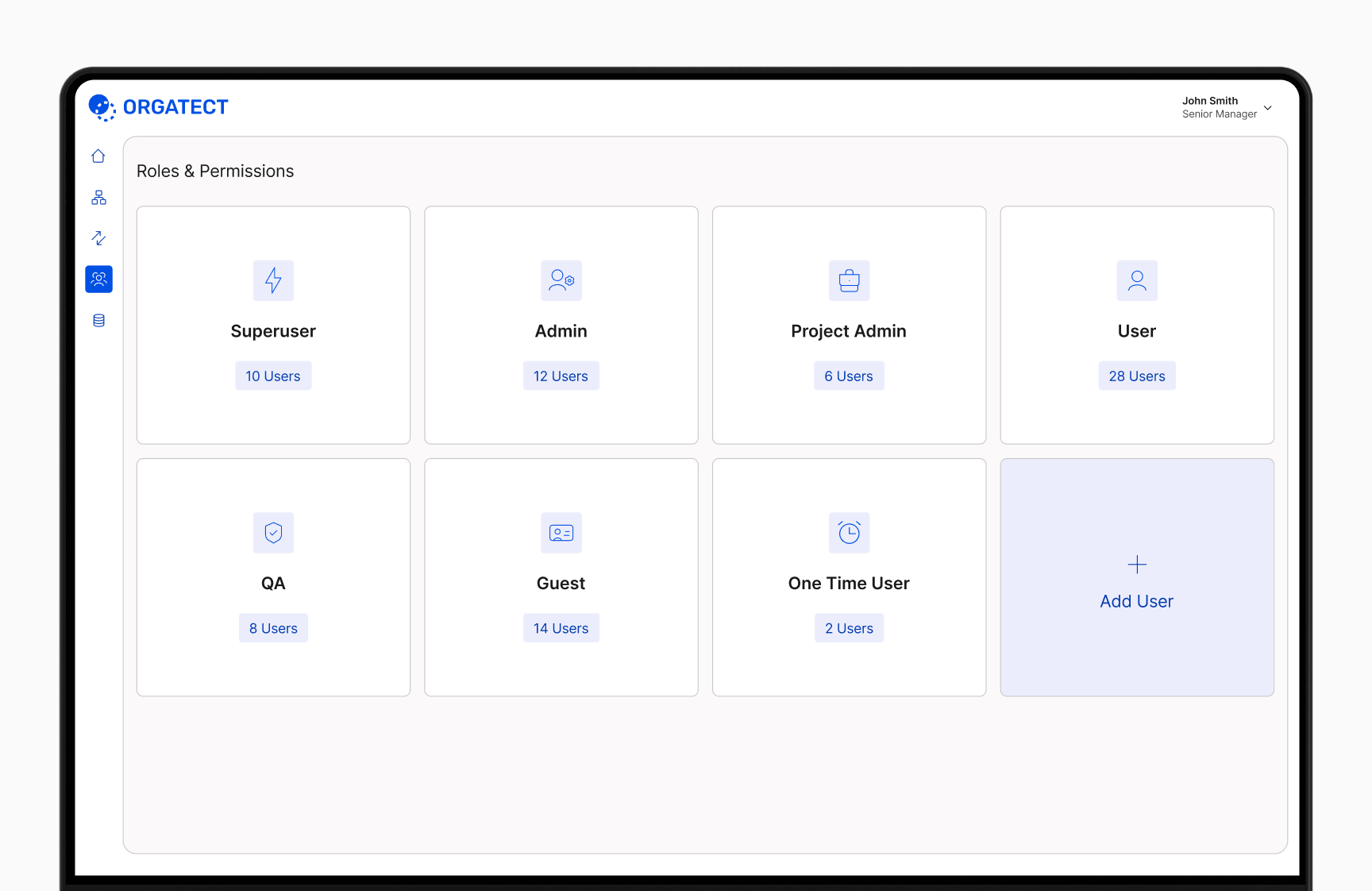
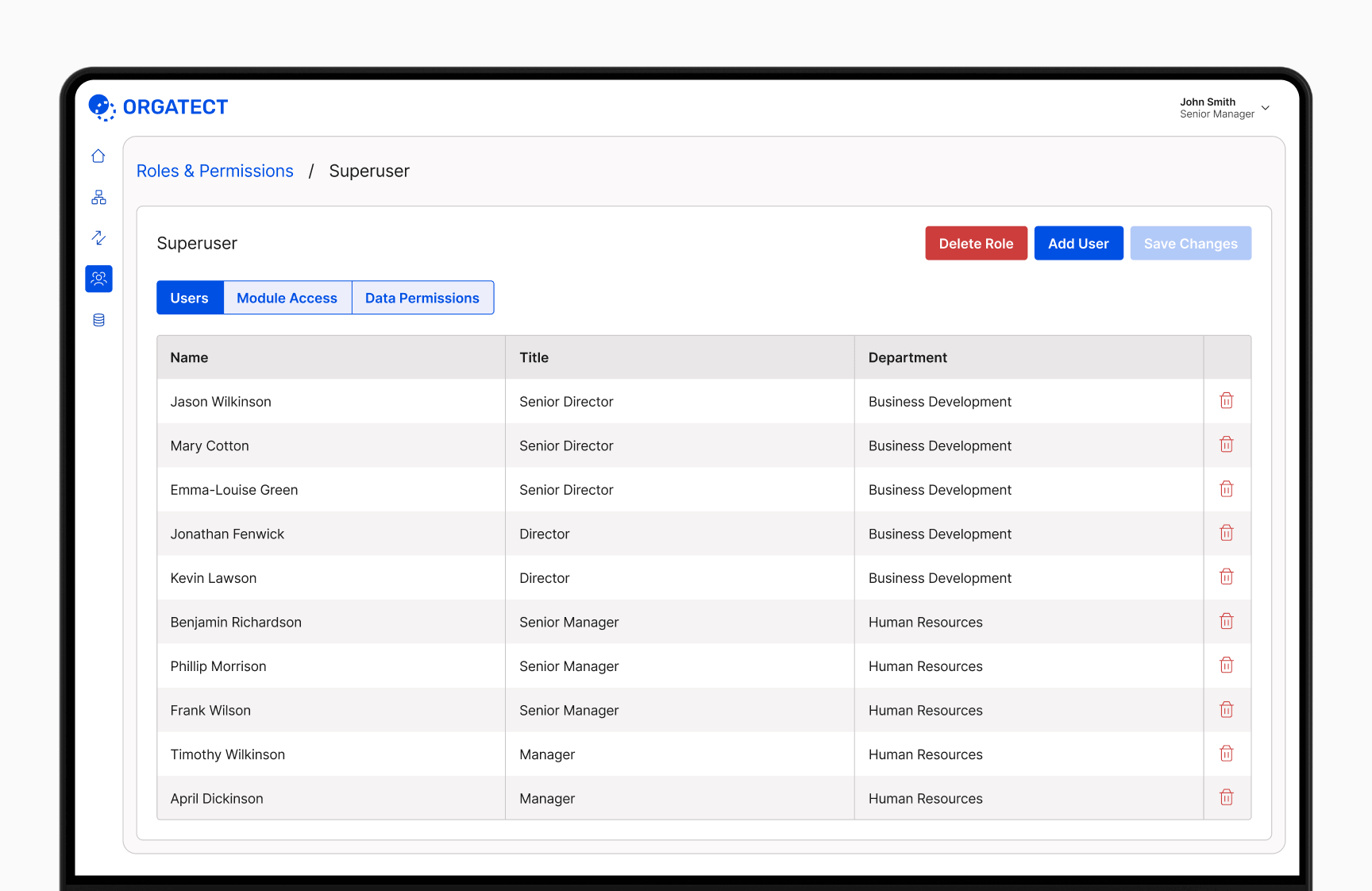
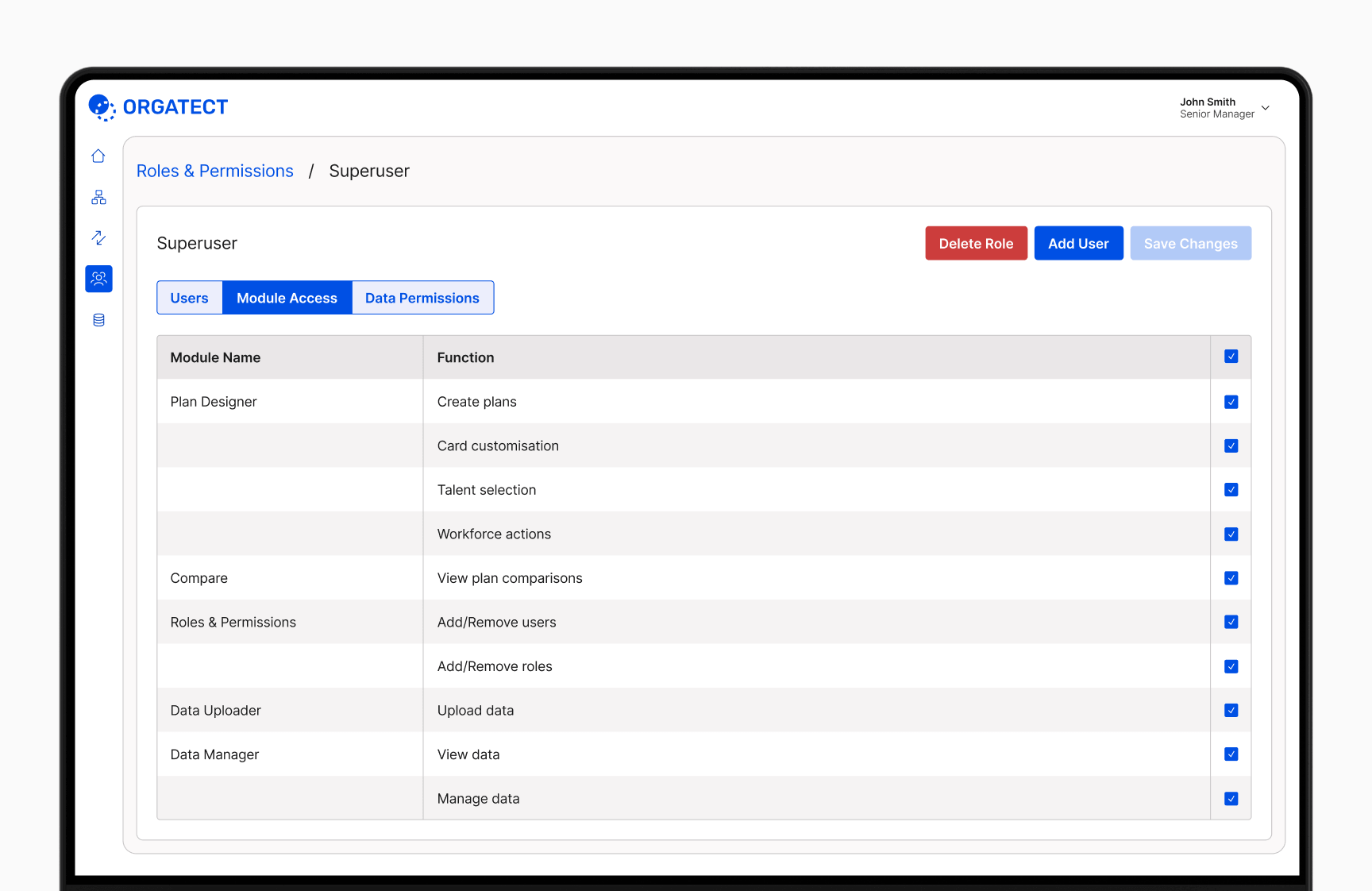
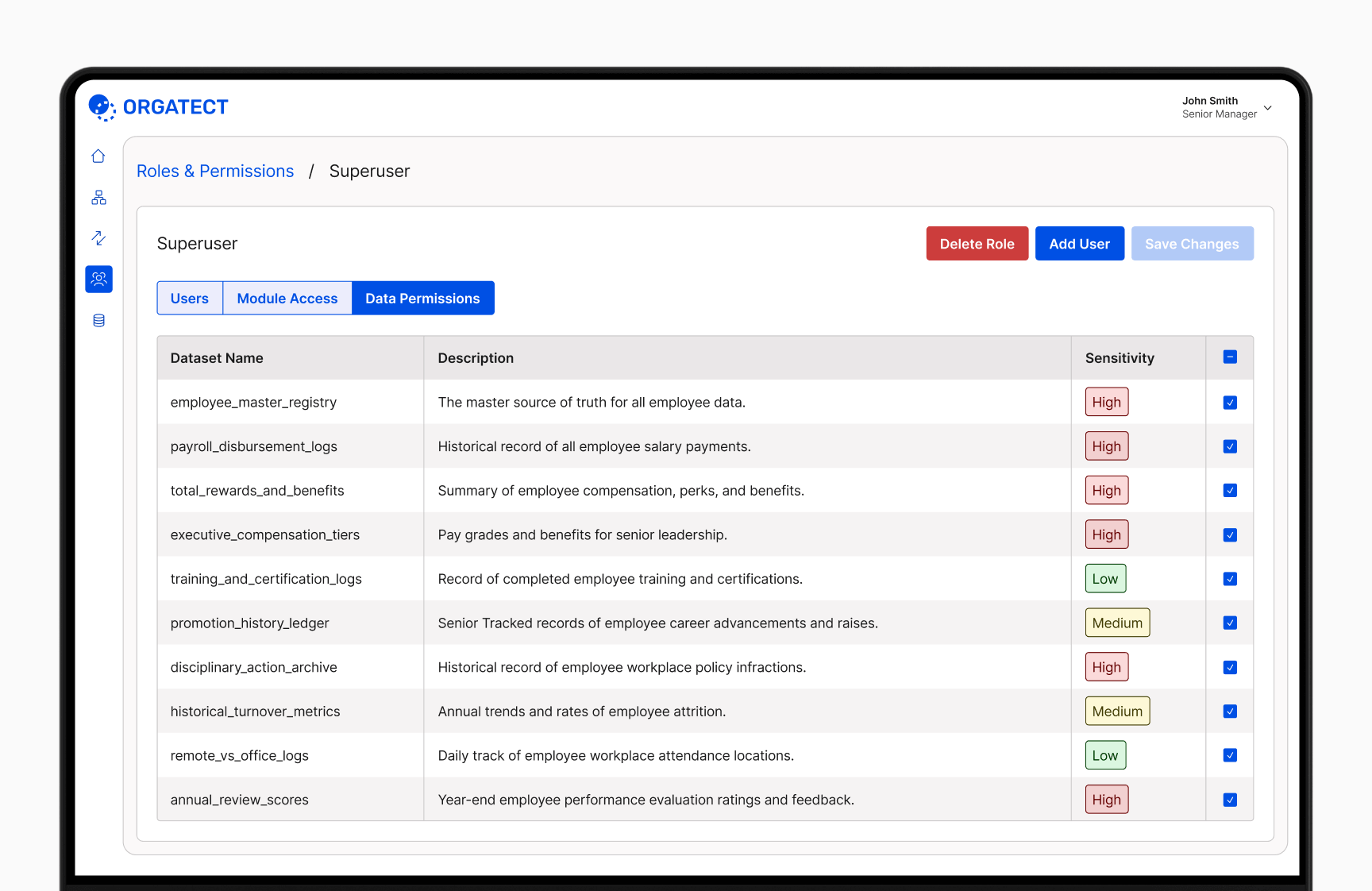
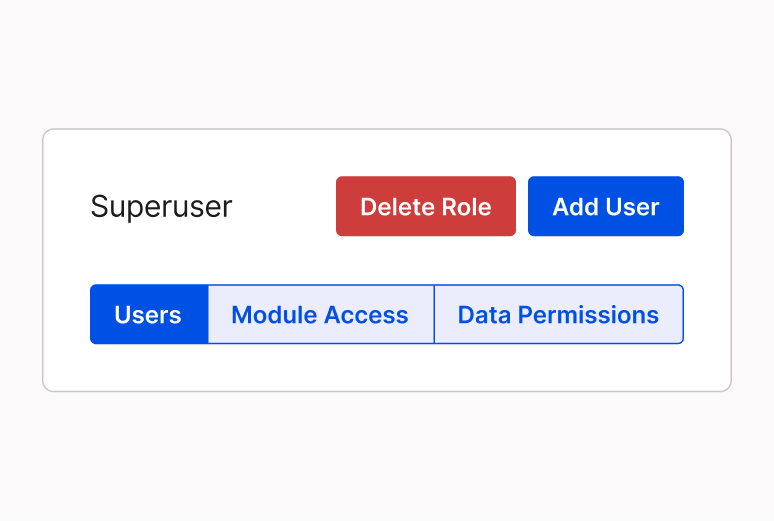
The Roles & Permissions module makes it easy to manage user access, protecting sensitive data while ensuring teams have the features they need.

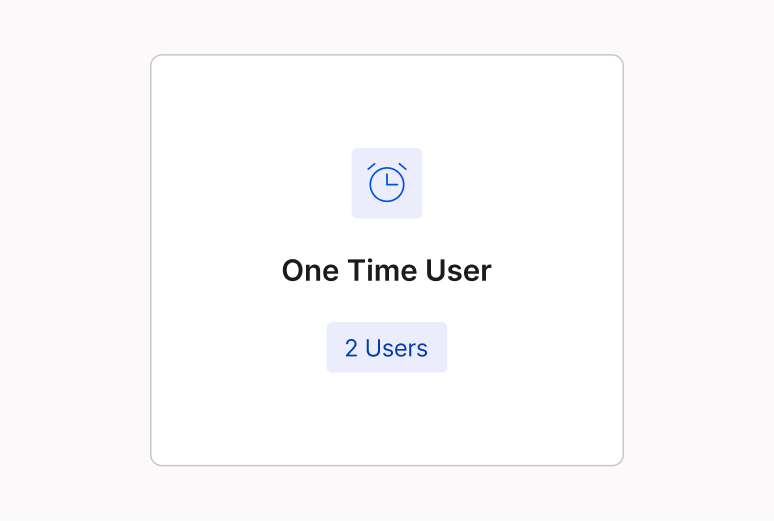
Admins can create users for any role, from full team members to one-time guests.

Each role combines assigned users, platform capabilities, and access levels for sensitive data.

Data Upload

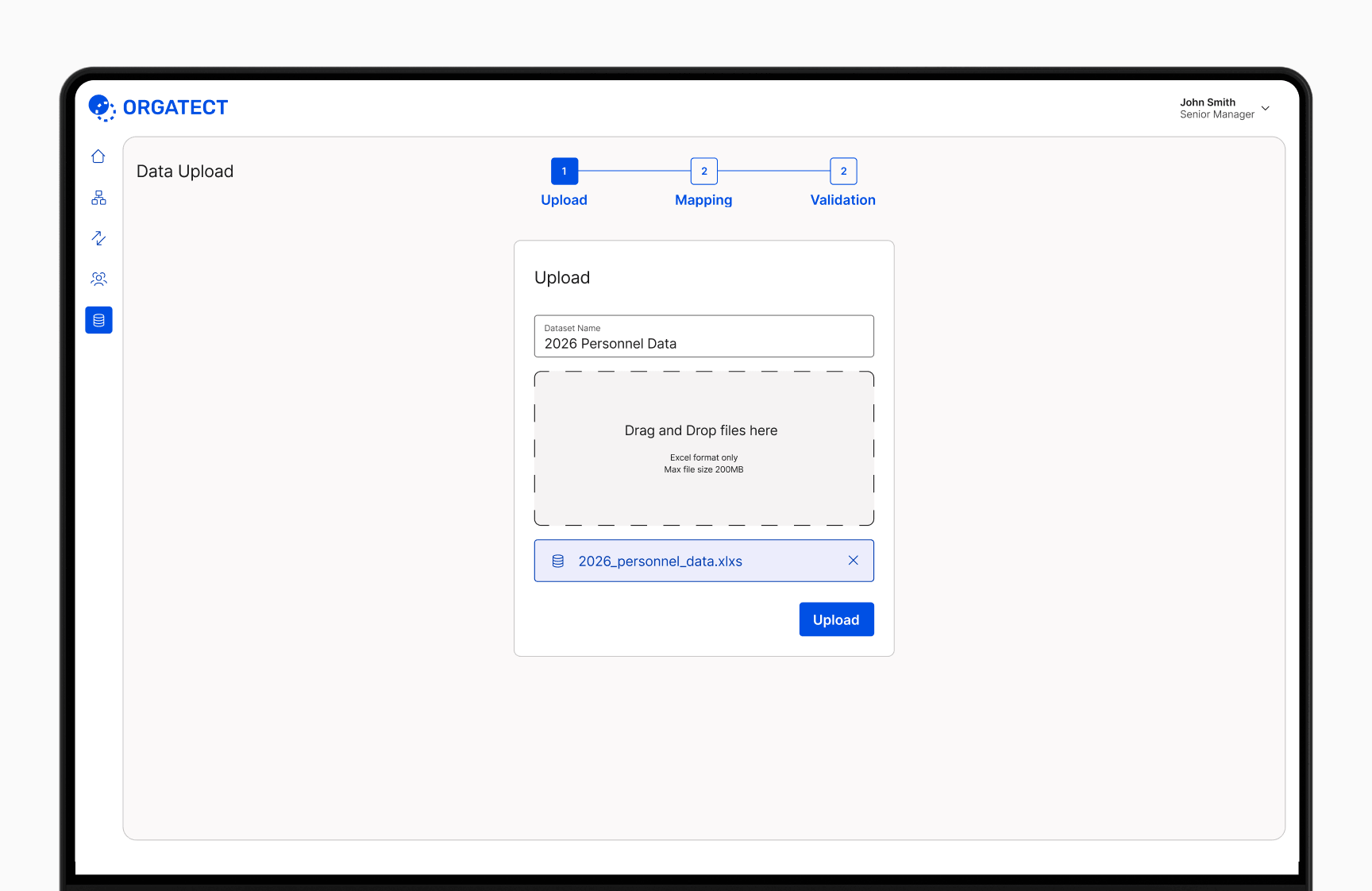
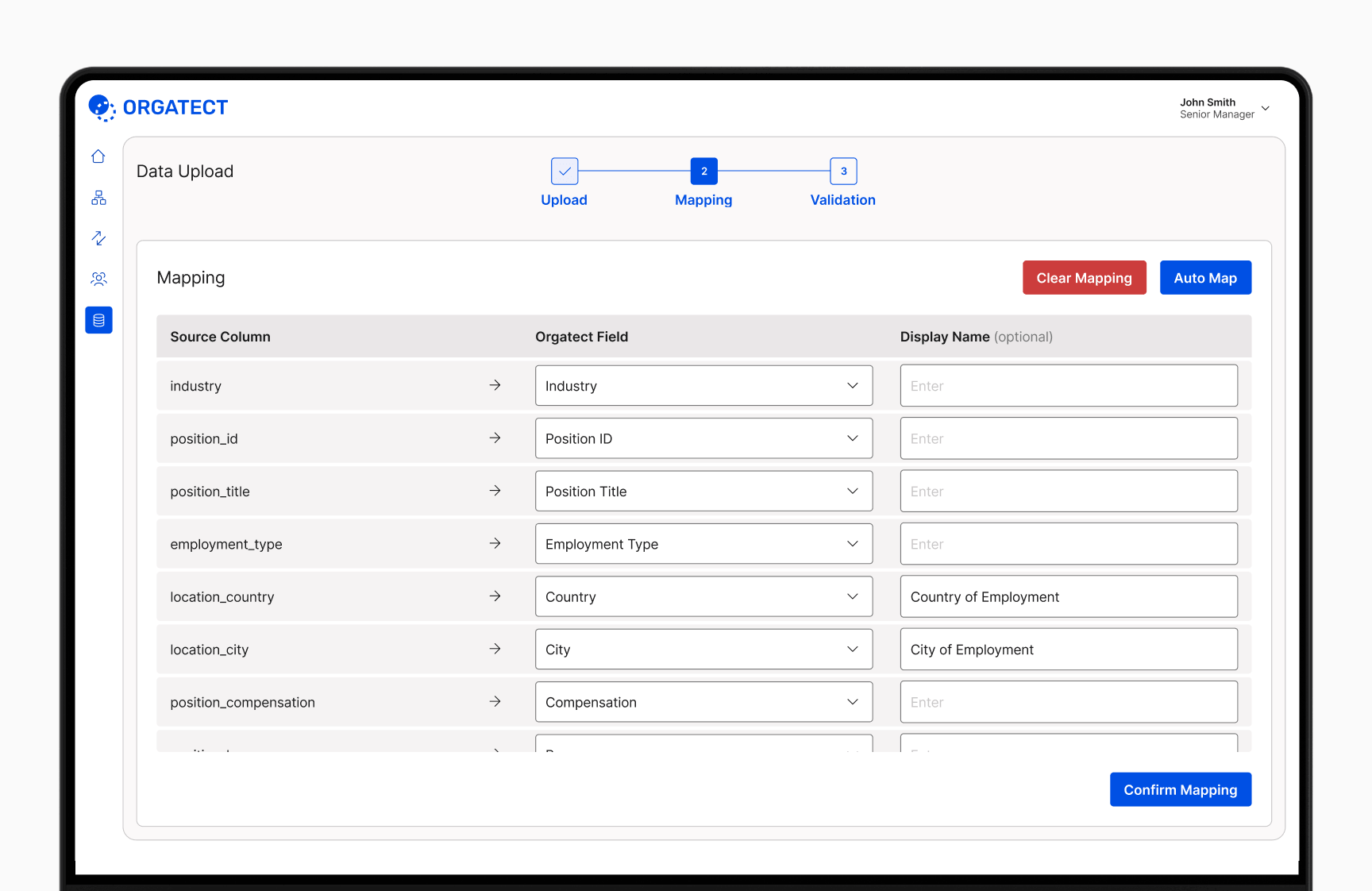
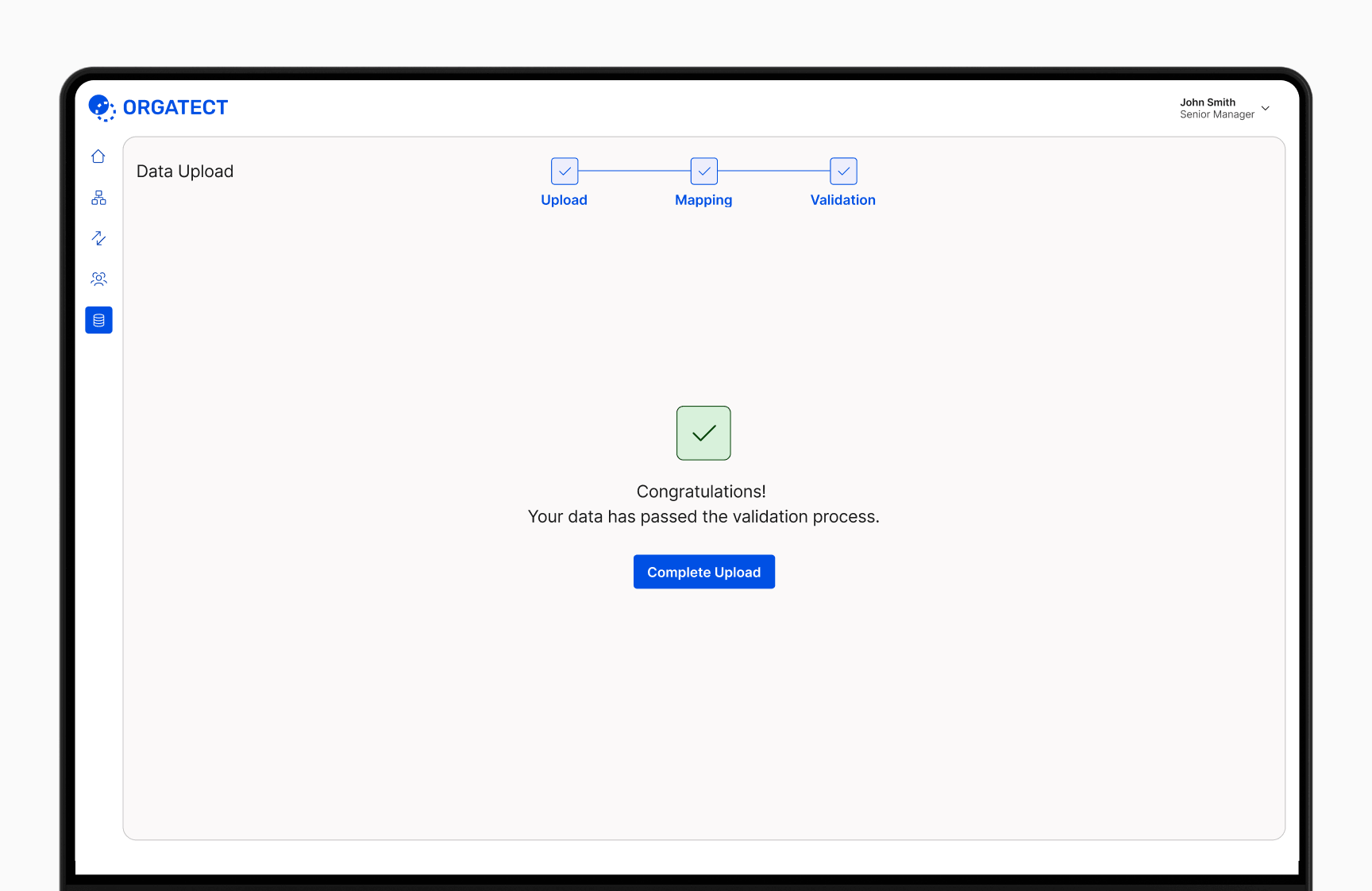
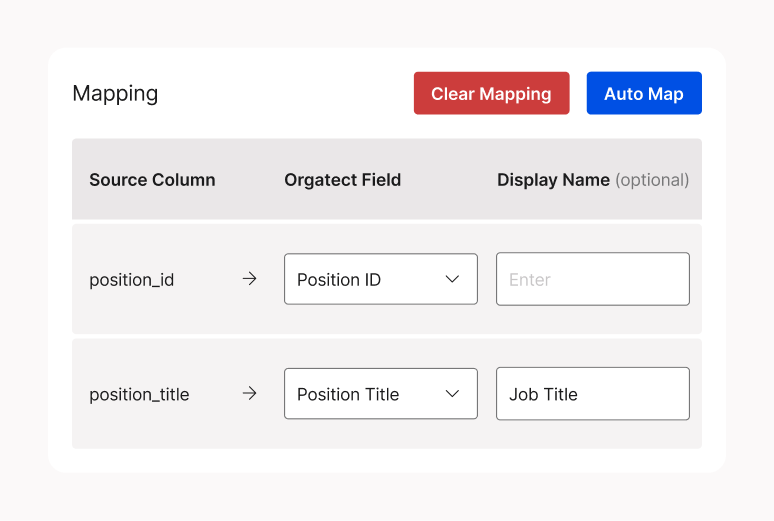
Data upload and mapping is the first step for new users. The mapping interface provides full control, with an Auto-map feature to instantly match data to platform fields.

Customize display names to match your preferred terminology instead of default platform fields.

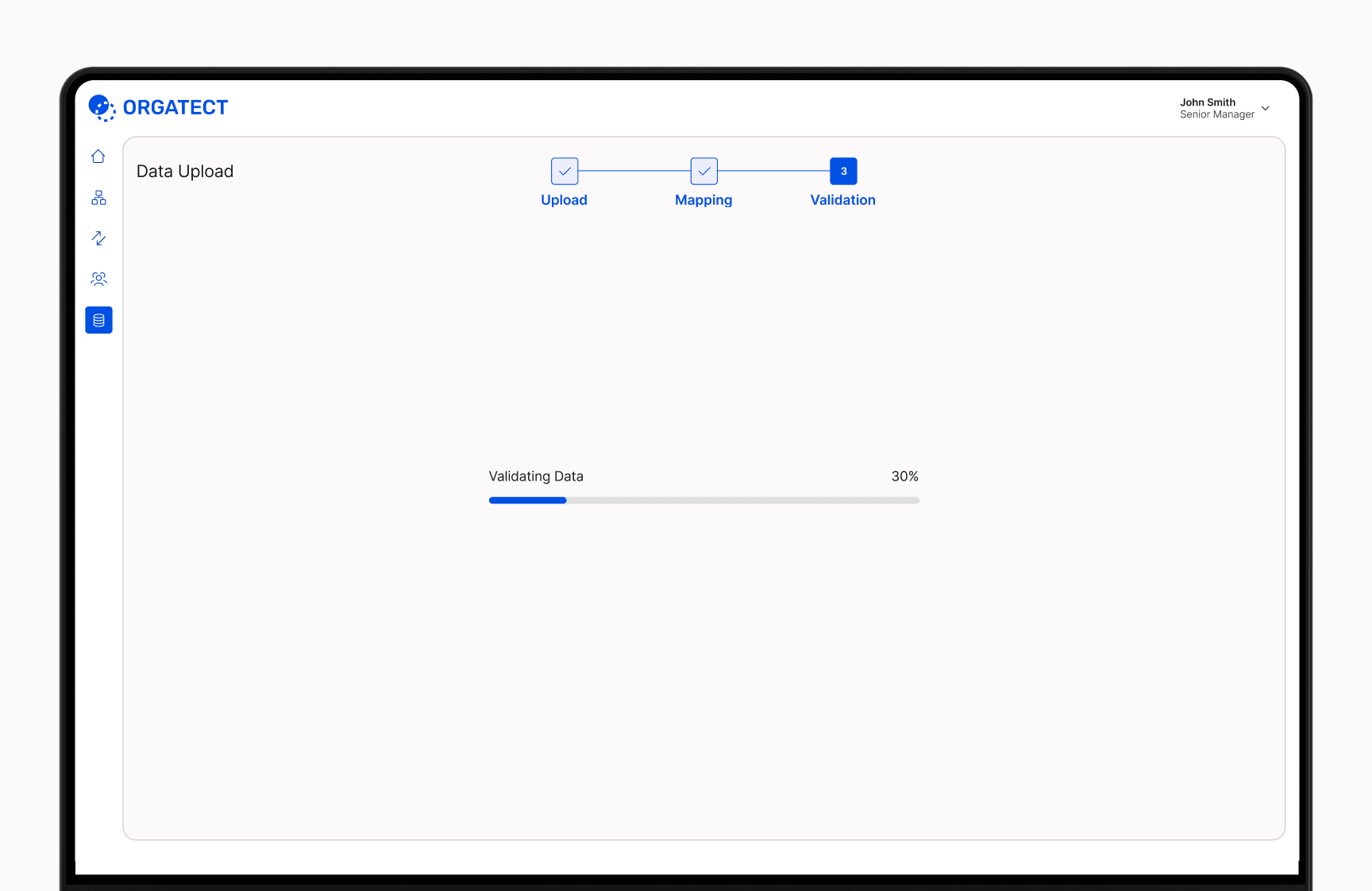
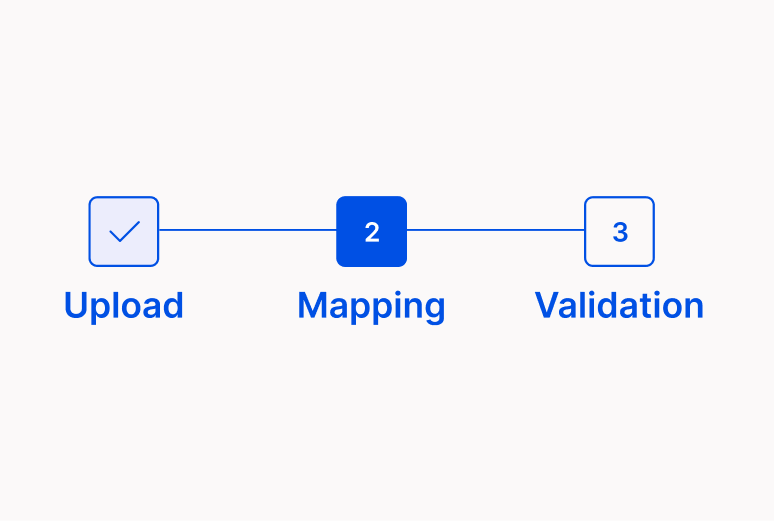
A clear progress indicator shows the users status throughout the upload process.